Retail & Front-of-House Sales
POS
Checkout that connects to your CRM — not another silo.
Background & Context
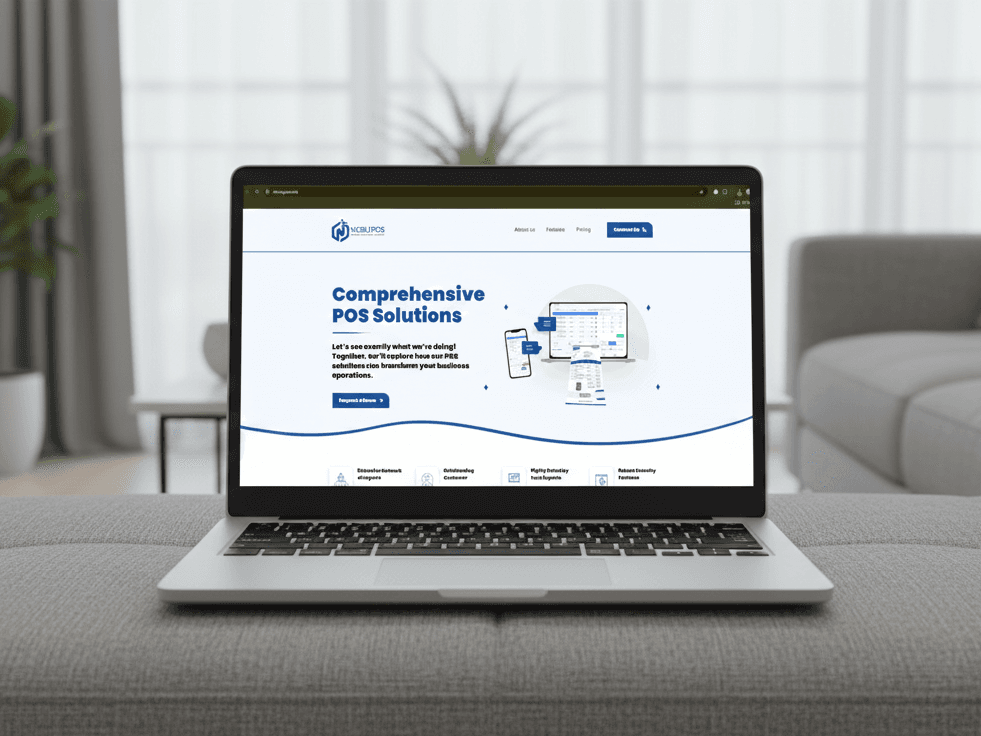
POS serves retail & front-of-house sales organizations that need integrated operations—not disconnected spreadsheets and siloed departments. Front-of-house teams need a fast, reliable checkout flow — open a register, ring up products, take payment, and close the session with a clean audit trail. Sales at the register should also update the customer record in CRM, and appointment deposits from scheduling should flow into the right tender without manual re-entry. POS is a standalone NestJS + Next.js product with its own API, portal, billing SKU, and schema prefix pos_. It delivers register → session → cart → sale → invoice with webhooks for scheduling collect-payment and optional CRM sale notifications — without shared databases across suite products.
The Challenge
Walk-in retail sales never appear on the customer timeline in CRM — reps sell blind Scheduling collects a deposit, but front desk re-keys it at checkout Open registers without proper close procedures create cash discrepancies POS shows stale stock because inventory lives elsewhere without links Sales happen at the register; invoicing becomes a separate afternoon task
The Solution
Front-of-house teams need a fast, reliable checkout flow — open a register, ring up products, take payment, and close the session with a clean audit trail. Sales at the register should also update the customer record in CRM, and appointment deposits from scheduling should flow into the right tender without manual re-entry. POS is a standalone NestJS + Next.js product with its own API, portal, billing SKU, and schema prefix pos_. It delivers register → session → cart → sale → invoice with webhooks for scheduling collect-payment and optional CRM sale notifications — without shared databases across suite products.
Our Approach
Process analysis & blueprint
We documented current retail & front-of-house sales workflows, data sources, and approval paths—then defined module scope and success metrics for POS.
Core module rollout
Phased deployment of POS capabilities with master data migration, user training, and UAT cycles aligned to operational calendars.
Go-live & continuous improvement
Controlled go-live with hypercare support, executive dashboards, and a backlog for automation, mobile extensions, and analytics.
What We Delivered
- Registers and sessions — open/close with float tracking, multiple registers per location
- Product catalog — pricing, categories, inventory view, customer lookup at checkout
- Carts and tenders — build, hold, complete with multiple tender types and sales history
- Sales invoices — generate from completed sales with list and detail in the portal
- Scheduling integration — collect-payment webhook for appointment-driven payments
- CRM integration — optional sale-completed notifications without shared tables
Outcomes & Impact
- Complete register-to-sale checkout flow in one product
- CRM and scheduling integration via webhooks — no shared DB tables
- Hold carts to serve multiple clients smoothly during peak hours
- Standalone API, portal, and data store — entitle POS without CRM if needed
- Session open/close discipline reduces cash discrepancies
- Invoices generated from completed sales in the same workflow
POS gives retail & front-of-house sales teams a single operating system for the workflows that matter—visibility for leadership, structure for operators, and a foundation for the next phase of growth.
Technology Stack
Services Delivered
Related Case Studies
Guides & articles from this niche
Planning a similar platform? Share your scope and we will map architecture, delivery phases, and a realistic timeline.